

Groups
Create named groups of users and share projects with them.
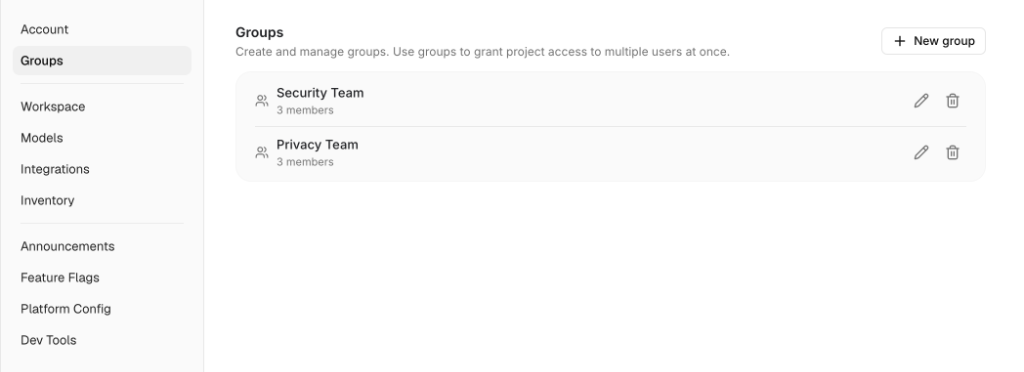
A group is a named set of users in your organization. Groups exist so that a project can be shared with a team without listing each person or opening the project to the whole organization. Manage groups from Settings > Groups.
Every member of the organization can see the list of groups and who is in them.
Group roles
Each group member has a group role:
| Group role | Can |
|---|---|
| Manager | Rename the group, add and remove members, change member roles, delete the group |
| Member | Belongs to the group; receives whatever project access is granted to the group |
The user who creates a group becomes its first manager. A group must keep at least one manager. Organization Owners and Admins can edit any group without being a manager of it.
Group roles do not affect access to projects. A manager and a member of the same group get the same project access from a grant to that group.
Manage groups
Add members
Open the group and search for users by name or email. Set each member's group role from the dropdown next to their name.
Edit or delete the group
Open the group from Settings > Groups to rename it, change membership, or delete it. When a group is deleted, its members lose any project access they held through it.